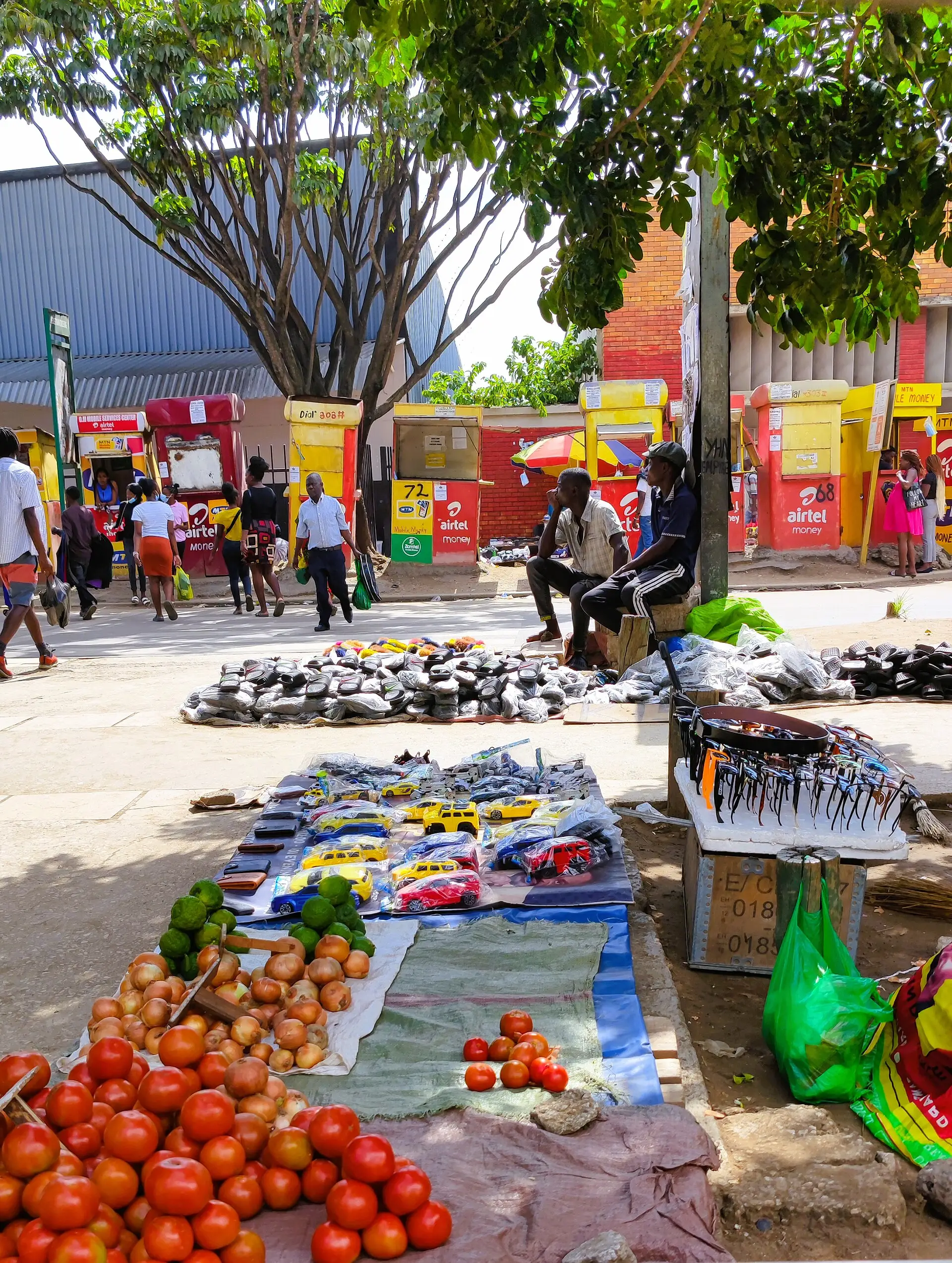
For a lot of people in Zambia, mobile money is the main way money moves. Salaries get sent to it, school fees and ZESCO units get paid from it, and money goes home to family through it. If you use Dottra, it’s also where your draws arrive and where your payments come from.
This guide covers how it works, what to compare between networks, and how to stay safe.
The three networks
Zambia has three mobile networks, and each one runs its own mobile money service:
- MTN Mobile Money (MoMo), on MTN lines;
- Airtel Money, on Airtel lines;
- Zamtel mobile money, on Zamtel lines.
Your wallet is tied to your SIM card and registered against your NRC. You can usually send money to people on other networks, but fees for sending across networks are often higher than within the same one.
What to compare
When choosing which wallet to use, or whether to keep more than one, look at:
- Sending and withdrawal fees. These change from time to time and depend on the amount. Check your network’s current fee table, in the app or by dialling its menu, before sending a large amount.
- Wallet and transaction limits. Each wallet has daily and balance limits. If you receive your salary on mobile money, make sure your limit is high enough.
- Agent coverage near you. Being able to cash out close to home or work matters more than a small difference in fees.
- Where your family and the people you pay are. Sending within a network is usually cheaper, so it often makes sense to use the same network as the people you send to most.
Keeping your wallet safe
Most mobile money fraud in Zambia doesn’t involve hacking. It involves someone persuading the owner to hand over a PIN or approve a transaction. Some rules that prevent most of it:
- Never share your PIN with anyone. That includes callers who say they’re from your network, a bank, or a company like Dottra. No genuine company will ask for it.
- Be suspicious of “wrong number” refunds. A common scam sends a fake message saying money arrived by mistake and asks you to send it back. Check your actual balance in the app or menu, not the SMS.
- Don’t approve prompts you didn’t start. If a payment request pops up and you didn’t make a purchase, decline it.
- Lock your phone with a PIN or fingerprint so a lost phone doesn’t mean a lost wallet.
- Report a lost SIM straight away to your network so the wallet can be blocked.
Your name has to match
Mobile money wallets are registered to a person. When a service like Dottra sends money to your wallet, the wallet must be registered in the same name as your Dottra account. This protects you: money can’t be sent to a number someone else controls, even if they’ve got into your account.
Before you sign up for anything that pays into mobile money, check that your wallet is registered in your own name and that the name matches your NRC.
How Dottra uses mobile money
With Dottra:
- Draws are sent to your registered mobile money number on MTN, Airtel or Zamtel, usually within a few seconds of confirming.
- Payments are made from the same app. You approve them on your phone through your network’s prompt.
- You can pay any time, not just on the due date, so if money arrives on mobile money you can pay it straight back and reduce your monthly charge.
The app shows which number the money goes to before you confirm every draw.

